


Control all the processes that start with Windows
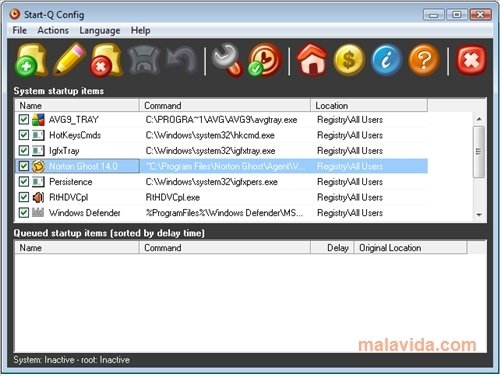
The Windows operating system is an extremely permissive operating system in what regards to what the programs that the user installs can do, to such a point that many of them include a small launcher or related application that starts up with the system, making everything go a lot slower. With Start-Q it will be possible to detect and deactivate this kind of application.
Customize the programs that start with Windows
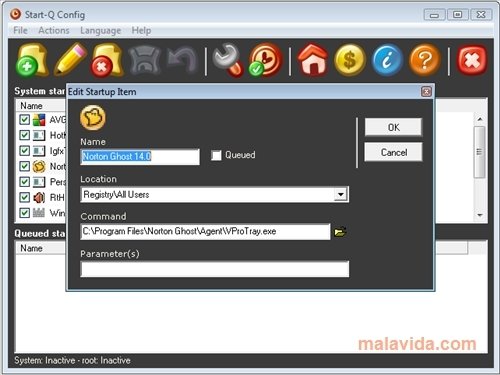
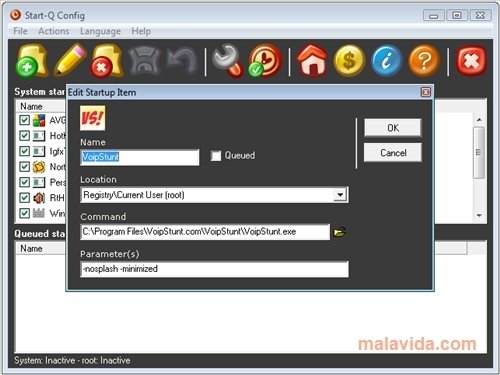
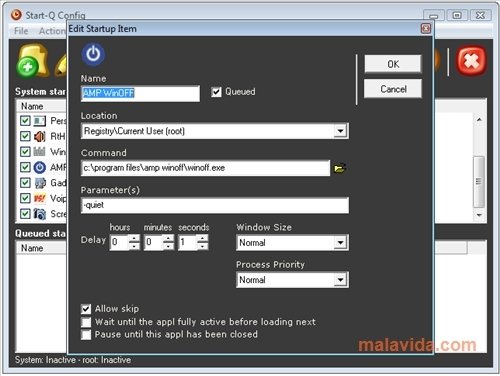
Many times, when we launch the system, small icons start to appear beside the clock in the system tray, these are programs that are launched with the Startup and that in the majority of cases, they are completely dispensable. The best thing is to use a program like Start-Q so that they detect and eliminate them instantly and easily. To do so, Start-Q shows all the programs that start and the user can deactivate or add those that he considers necessary. What's more, if a program is deactivated and we later want to reactivate it, it is possible to restore a backup copy. And of course, it also offers the possibility to add a new program.
With Start-Q we will have the system startup totally controlled, making sure that strange programs don't start up with the system.
Requirements and additional information:
 Leticia Sorivella
My name is Leticia. I really like movies, television, and music. That is why I studied Audiovisual Communication. In the beginning, I wanted to work in movies, but I ended up on television. Then, I went from being behind the cameras to being in...

Scott McLure